Editor
Editing inside the page
I can check a change against the whole page, including the header and footer.

Loading your next stop
Independent product · In progress
Under the Hood
I wanted to fix a paragraph without turning it into a deployment.
Summary
The public side holds my projects, writing and artwork. Behind it is the workspace I use to change the copy, arrange pages and publish.
Inside the editor
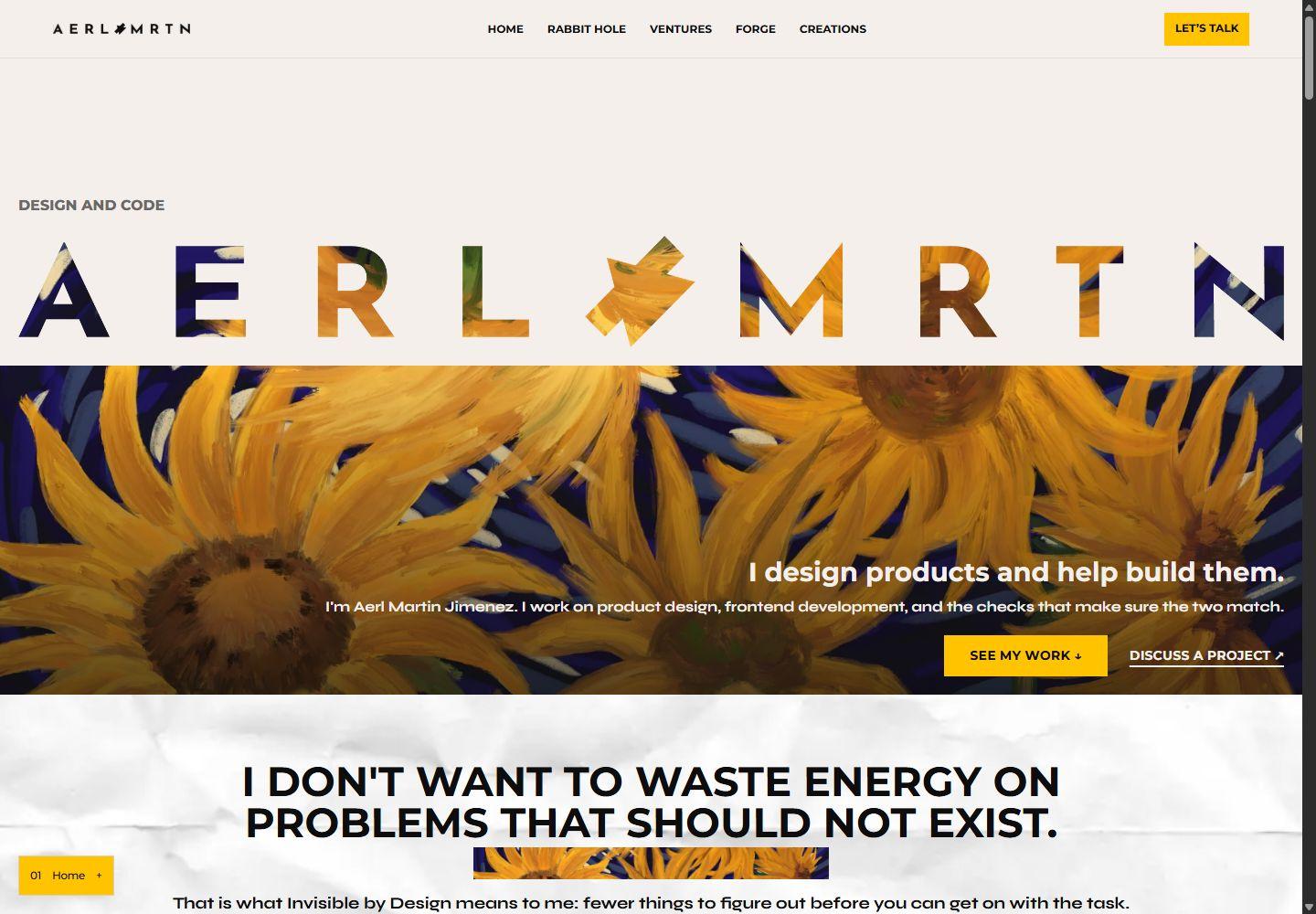
The homepage images show the live site. The editor screenshots come from an earlier local build with sample content.
Editor
I can check a change against the whole page, including the header and footer.
Preview
Menus and links work in the preview, using unpublished changes.
Publishing
Changes are grouped. I choose which groups to publish and the rest stay in the draft.
Design file
Layouts and components were designed here first.
Open the design file ↗Timeline
My part
I came up with the site and the way I wanted to run it. I designed the identity and pages, worked out where everything belongs, and decided how the editors should behave. I wanted the editing side to make as much sense to me as the pages people see.
I wrote most of the site and CMS code, with some AI help to work through implementation problems. I am also the one using it. When a heading wraps badly on my phone or a save is unclear, I have to go back and fix it. I decide what is ready to publish and what still needs another pass.
Decisions
I want to see a sentence where it belongs. The preview uses the same page components as the public site, so a long heading has to fit the actual layout. That is more useful to me than a text field on its own.
The page editor lets me add, reorder, hide and replace blocks. I can keep an original section that works and change the part beside it.
I can keep a recoverable draft in the browser, compare the changes in groups and choose which ones to publish. If another tab has already changed the published version, the old tab cannot save over it. I need that check when I leave an editor open and come back later.
Some changes still need codeThe CMS handles copy, page order and block settings. The markup inside an original section still lives in code, as do new layouts and interactions.
The site now
Andra and Lucent used to be separate HTML pages. I moved them into the CMS, and their old addresses now redirect to the current case studies. I can change their copy and sections from the workspace.
I brought six posts back from my old blog export and kept the newer ones. Reading them side by side made the generic parts of the new writing hard to miss. I used the older posts as a reference when I rewrote it.
SoundBites, my thoughts on existing songs, now sits in Aerl with the portraits and bouquet I drew. The tall SoundBites cards need to stay readable. The drawings need room for the whole composition. I had to change how the images fit instead of giving every one the same crop.
The public library and gallery demos have their own addresses. The original Kaye and Katchi gift sites are separate from those demos.
Implementation
The server builds the public pages from the published content and caches them. Publishing clears that cache so the next page can use the new version.
I sign in to the private workspace to edit. The server checks private requests, and the public site only reads published content. There is one owner account; shared editing and team roles are not built.
Images go into storage, with their URLs saved in the content. Enquiries stay private. A reply is sent when I write and send it.
Responsive
The phone layout uses bottom navigation. I also checked the longer copy, featured cards, corkboard and image proportions at narrow widths.
Limits
As of November 2026.
This page is one example. Under the Hood uses the case-study layout, but its content still lives in code. An edit here needs a deployment.
Even inside the CMS, some changes happen directly in the preview and others need a settings panel. It depends on the block and field. I cannot click any sentence on the site and expect to edit it yet.
I also still need proper performance and accessibility measurements before I publish any scores.
Checks
The tests cover page settings, drafts, conflicting saves, rendered content and case-study redirects. Browser tests also go through the public site and several editor tasks. They catch things I could miss while concentrating on one page.
Then I read the live page. I look for headings that repeat each other, cards that say the same thing as the paragraph below, and images that stop being useful on a phone. Looking at the actual posts and artwork is what led to the recent mobile fixes.
Reflection
I built several editors before settling on the page editor. Next time I would start with the tasks I keep doing: fix a paragraph, add a post, replace an image, check it on a phone and publish. I would have had a clearer idea of what to build first.
I would use my own content from the start too. The long case studies and tall SoundBites cards would have made me deal with the awkward layouts earlier.
Next
Tell me what you need to publish and what makes it difficult now.
Email meLet’s see if I’m the right person.
You don’t need to know exactly what you need. Tell me where you are, and I’ll help determine where I fit.
Curious how this was made?
Open the Hood ↗